 AI-Ready GTM
Ask Claude which of your HubSpot deals went quiet this week
HubSpot's connector lets Claude read your pipeline and draft follow-ups. Make it ask before it edits.
Happy Thursday.
This afternoon is when the pipeline review happens, if it happens. Someone scrolls the deal board, and the deals nobody touched in two weeks look exactly like the ones that are fine. Today's cheat code asks your CRM which is which, in plain English, and drafts the follow-ups.
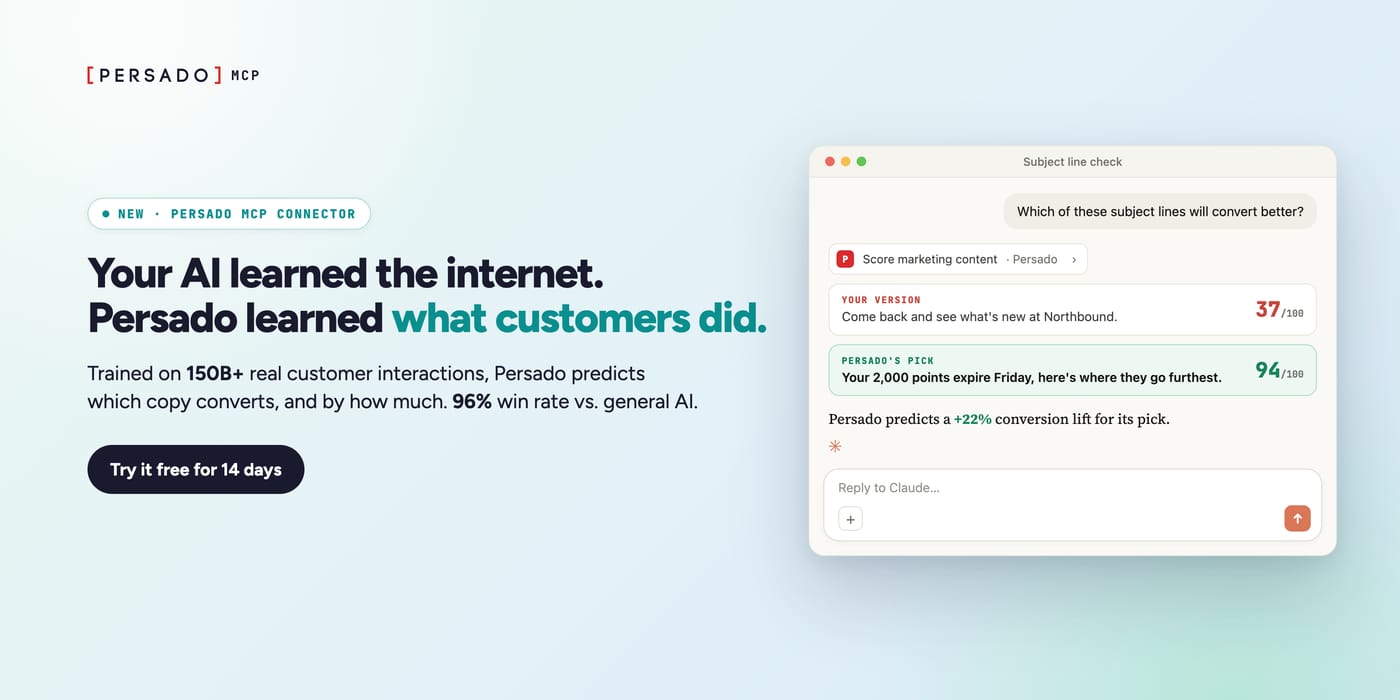
Your AI learned the internet. Persado learned what customers did.
Persado trains its models on how customers actually behave, using 150B+ real customer interactions, 120K+ performance-labeled campaigns and 10+ years working with top retail, hospitality and finance brands.
Give it a draft and it scores every version, predicts how much each will lift conversion, improves the weak ones and explains why. It calls the winning message 87.5% of the time, against 51% for general AI models, and its own messages win 96% of the time against general AI.
And now it works where your team already writes: the new Persado MCP connector adds Persado to Copilot, Claude, ChatGPT or Gemini. Your team can try it free for 14 days.
Try it free for 14 days, no card →
The cheat code: a 15-minute Friday pipeline review in Claude
What it is. Claude, connected to HubSpot, reads your open deals and their emails, calls and notes. You ask which deals went quiet and why, and it drafts a follow-up for each. It can also log notes and create tasks, after you approve.
Why now. On Nov 4 HubSpot published a step-by-step guide to its connector for Claude, and it now packages the connector with ready-made sales commands in a Sales Plugin for Claude: a daily brief, call prep, follow-up drafts and a pipeline review. HubSpot sells the CRM this runs on, so it has every reason to make it look easy.
The steps
Get a HubSpot Super Admin to approve it. Only a Super Admin, or someone with Marketplace permissions, can set the connector up for the first time and give access to the rest of the team.
Connect it. In Claude, click your profile icon in the bottom left, find HubSpot in the connectors, click Connect, log in, pick the permissions and click Connect app.
Make it ask first. In the HubSpot connector's tool settings in Claude, set Write tools to Needs Approval. HubSpot recommends it, because on "Always allow" Claude can edit records without asking.
Ask the question. HubSpot's own example: "Show me all my open deals sorted by close date. Which ones haven't had activity in the last two weeks?" Then, for each one, ask for a summary of last month's conversations and anything that might stop the deal closing.
Draft, check, send. Ask for a short follow-up for each quiet deal, based on the last real conversation. Read each one against the record. Start by updating a single record before you let it touch ten, HubSpot's limit for one bulk change.
Tools and cost. The connector needs a paid Claude plan: Pro is $20 a month billed monthly, or $17 a month billed yearly. HubSpot's guide says its free CRM, which covers up to two users, works too. If your HubSpot account has Sensitive Data turned on, Claude sees that data only if a Super Admin grants the connector read-only access to it, so check before you start or the review gets much thinner.
What to expect. A list of deals that went quiet, with a reason and a draft next to each. HubSpot publishes no numbers on deals saved this way, and I found none elsewhere. Run it for four Fridays and count how many quiet deals got a reply.
The risk, plainly. Your customer emails and call notes go to Anthropic under your Claude plan's terms; HubSpot's help page says Anthropic doesn't train on data shared this way except in cases like when you give feedback or opt in. Check that your company allows it before you connect.
Steal this
Using HubSpot: list my open deals with no activity in the last 14 days. For each one, tell me the last thing the buyer said, what we promised and haven't done, and who else at the company we've spoken to. Then draft a three-sentence follow-up that picks up from that last conversation. Don't update any record.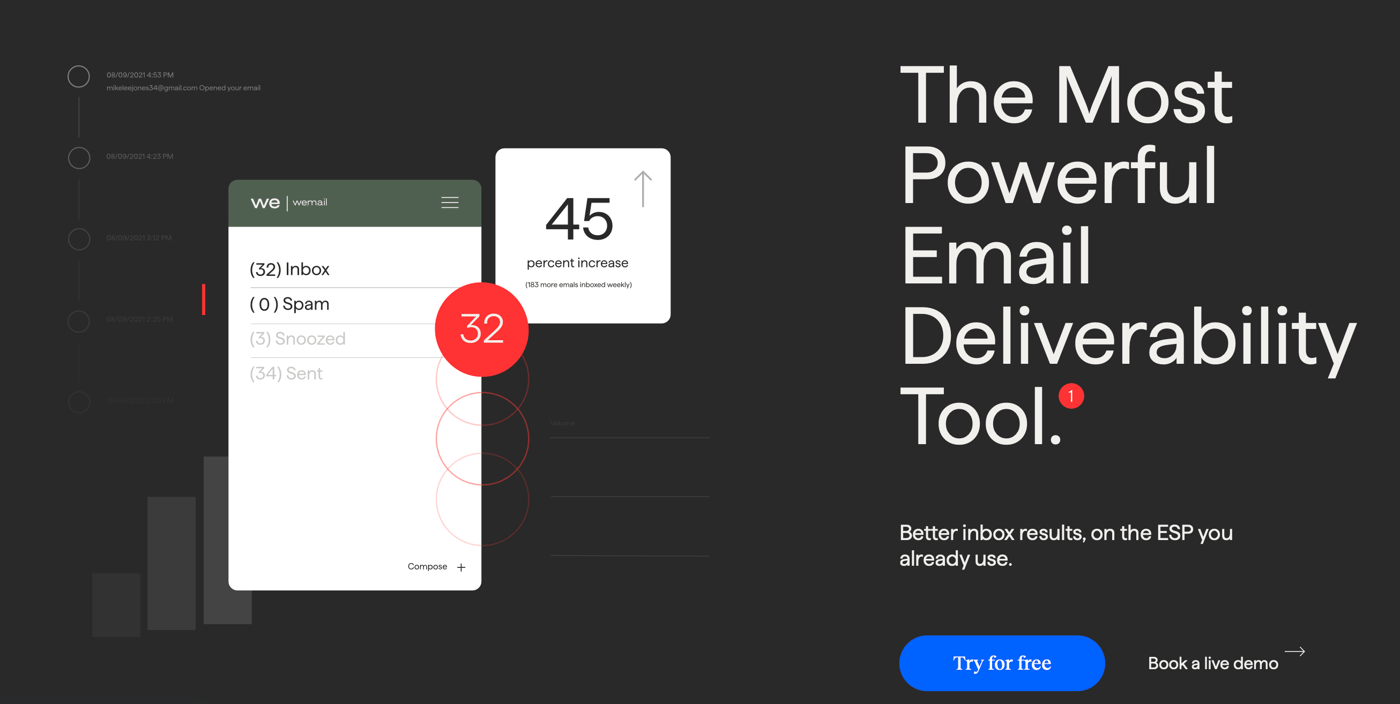
Tool Review → InboxAlly
InboxAlly is a deliverability tool. You send your email to its seed inboxes, and InboxAlly says they engage with it in a way that teaches mailbox providers to put your real mail in the inbox. Starter is $149 a month for 100 seed emails a day and one sender profile; Plus is $645. There's a 10-day free trial with no card.
A team whose follow-ups keep landing in spam could find out why before more deals go quiet. The catch: the paid plans are priced for teams that send at volume, and a rep sending a few follow-ups a week doesn't need them. Its free tools may be enough.
Worth it if your domain already has a spam problem and you send in volume. Skip it if your follow-ups are one-to-one emails from a healthy domain: start with the free test below.
Tool Hack: check your follow-up lands in the inbox, free
Open InboxAlly's free Email Placement Tester and click Start my free test. No signup needed.
Copy the 16 tester addresses. They sit at Gmail, Outlook and Yahoo.
Send one of today's follow-ups to all 16, from the business address you'll really send from. InboxAlly says a personal address tests the wrong sender.
Watch the report. Each copy shows as Inbox, Spam or Missing, by provider. Missing means it never arrived at all.
You get one free test a day. If Outlook files you as spam and Gmail doesn't, fix that before you send the rest.
That's Thursday. Which quiet deal are you chasing first?