 AI-Ready GTM
ChatGPT's new Sales plugin is free. Use it to prep tomorrow's call
Out Nov 17 on every ChatGPT plan, Free included. See whether your CRM connects, then ask for a brief.
Happy Monday.
Most call prep happens in the five minutes before the call, across four tabs: the CRM record, last month's emails, the call notes, and the company's website. Today's cheat code hands that assembly to ChatGPT's new Sales plugin, which reads your CRM and returns a one-page brief with links back to the records, so the five minutes go to thinking instead of clicking.
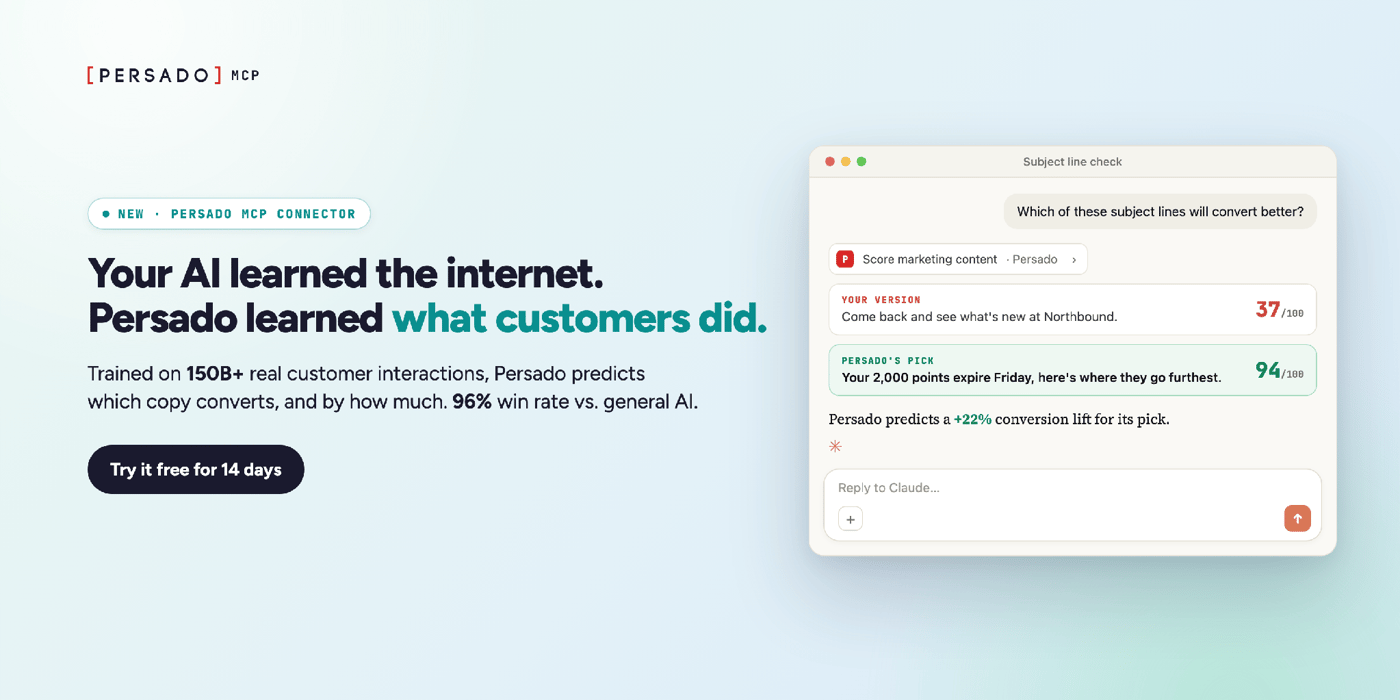
Your AI writes the drafts. Persado, trained on 150B+ real customer interactions, tells you which one will convert, and by how much. Its messages win 96% of the time against general AI. Now inside Copilot, Claude, ChatGPT or Gemini, through the new Persado MCP connector. Try it free for 14 days.
Try it free for 14 days, no card →
The cheat code: a call brief from ChatGPT's Sales plugin
What it is. A plugin inside ChatGPT that pulls an account's history, open deals, and next steps from your CRM into a single brief, then suggests the questions worth asking. You check the brief against the linked records, sharpen it in the same conversation, and walk into the call with a point of view rather than a scramble.
Why now. On Nov 17 OpenAI launched ChatGPT for Sales: a Sales plugin with ready-made workflows for account research, call prep, and follow-ups, plus more than 30 new and expanded partner plugins, including Salesforce, HubSpot, Close CRM, and monday CRM. Notably, OpenAI's help article says the Sales plugin is available on every ChatGPT plan, Free included. OpenAI sells the subscriptions this nudges you toward, so treat its framing accordingly.
The steps
Install the plugin. Open the Sales plugin listing in the ChatGPT account you use for work and select Install plugin. On ChatGPT Business or Enterprise, an admin may first need to make it available under Admin Console > Plugins.
Connect one tool, your CRM. Under Works with, install your CRM's partner plugin, select Connect, and sign in to your own work account. OpenAI's advice is to start with one tool; you still need your own CRM subscription, because installing Sales doesn't include any partner's paid plan.
Ask for the brief. Use OpenAI's own example prompt, under Steal this, with tomorrow's account name in it. It asks for the account history, open deals and next steps, links to the records, and three questions to ask.
Check it against the records. Open the linked records and correct anything stale—a contact who left, a deal stage nobody updated. OpenAI's help page says to review any follow-up or CRM change before you approve it; keep that discipline from the first day.
Turn it into a one-page pitch. If the call calls for a visual, ask ChatGPT to reduce the brief to five points for the buyer, then build them into a short deck. OpenAI names Gamma for exactly this step; the tool below covers it.
Tools and cost. The Sales plugin is included on every ChatGPT plan, Free among them, but the partner plugins depend on "your plan, region, and workspace settings," in OpenAI's words, so confirm your CRM's plugin appears in your account before you plan a team rollout around it. If your CRM isn't on the list, paste the last few emails and call notes into the chat and ask for the same brief; it's slower, and it works.
What to expect. A brief with links you can check against the records. OpenAI's launch post quotes the co-founder of NeoBid, a real-estate energy firm, who estimates the plugin cuts manual work on research and outreach prep "by around 65%." That's a single customer's estimate, chosen by the seller, and it says nothing about meetings won. Nobody has published numbers on calls that went better this way, so keep your own count across the week: how often the brief surfaced something you'd have missed.
The risk, plainly. The brief is built from customer emails and call notes, which pass to OpenAI under your plan's terms. ChatGPT Business states that business data "is never used for training our models"; on Free or Plus, check your data controls and your company's AI policy before you connect a CRM full of customer records.
Steal this
OpenAI's example from its help page, with your CRM in place of theirs:
@Sales, use @[YOUR CRM] to prepare a brief for my meeting with [ACCOUNT]. Summarize the account history, open deals, and next steps. Link to the records and suggest three questions to ask.Tool Review → Gamma
Gamma turns a prompt, a document, or pasted notes into a presentation, a one-page document, or a small website, and it's one of the deck tools OpenAI names for building a customer-specific pitch from ChatGPT. Its pricing page, read from Europe with annual billing, shows a free plan with 400 credits at signup and up to 10 slides per prompt; Plus at €8 a month (€96 a year), which removes Gamma's branding; and Pro at €18 a month (€216 a year), which adds custom branding and detailed analytics.
For a seller, the appeal is speed: a brief becomes a five-slide follow-up for the buyer in minutes, and every plan exports to PDF, PowerPoint, and Google Slides, so the buyer never has to open Gamma at all. The catch is that the AI-built look is recognizable, and the free plan keeps Gamma's branding on everything you send, which a buyer will notice.
Worth it if you send a tailored deck or one-pager after most first calls. Skip it if your company already has a locked slide template that sales must use.
Tool Hack: see which slides the buyer actually read
A shared Gamma link reports back, which turns the follow-up deck into a signal.
Share the deck as a Gamma link, not as a PDF attachment, so views are counted.
Open the deck, click the three-dot menu (…) in the top-right corner and select Analytics.
Read three numbers: time spent per slide, how far each viewer got, and unique viewers over the last 30 days. If the pricing slide holds attention and the implementation slide doesn't, that's your next call's agenda.
Discount the empty views. Viewers signed in to Gamma appear by name; everyone else shows as "Anonymous Viewer," and Gamma says an anonymous viewer with zero slides viewed is almost always a link preview from Slack or email, not a person.
Full analytics needs Gamma Pro or higher, by Gamma's help page, and it can't be exported, so screenshot what matters before the call.
That's Monday. Which call this week deserves a brief tonight?