 AI-Ready GTM
Replace the "great chatting" email with a one-page deal room
Swan AI's CEO says it took his team's win rate from 20% to 45% in eight weeks. A free version in five steps.
In partnership with

Happy Wednesday.
Amos Bar Joseph, CEO of Swan AI, wrote on Oct 28 about what a buyer usually gets after a good first call: a "great chatting today!" email, a deck from 2024, and a calendar link. "The most personal moment in the deal gets the least personal follow-up." So his team sends every buyer a private web page instead.
Every headline satisfies an opinion. Except ours.
Remember when the news was about what happened, not how to feel about it? 1440's Daily Digest is bringing that back. Every morning, they sift through 100+ sources to deliver a concise, unbiased briefing — no pundits, no paywalls, no politics. Just the facts, all in five minutes. For free.
Read the newsletter trusted by 4.5 million fact-seekers.
The cheat code: a deal room after every first call
What it is. A private page built for one buyer, with the documents they need inside, updated after every call. That much is Swan's. The one-page layout in the steps below (their problems in their words, two or three documents, next steps) is mine.
How Swan does it. The call transcript goes to Swan's own AI, which already holds the account's history. It picks assets from the company's library and briefs Lovable, an AI site builder, to build the room. "Our seller reviews and approves before the buyer sees anything." His numbers after eight weeks: 200+ buyers with a room, 4+ visits per room on average, and a win rate up from 20% to 45%. Those are his own figures for his own company, and Swan sells the AI at the center of it.
The steps (free version)
Get the transcript. Granola's free plan takes AI meeting notes and keeps 30 days of history; Zoom and Google Meet transcripts work too, on plans that include them. Ask the buyer before you record. Granola itself recommends asking every time, and depending on where people are, you may legally have to.
Build the page. Paste the transcript and two or three assets (a case study, a pricing sheet, a security one-pager) into Lovable with the prompt below. Its free plan gives you 5 build credits a day, up to 30 a month. Before you paste, switch off model training: on Free and Pro, Lovable may train on your prompts and files unless you opt out (Account settings, Preferences, AI model training). If you'd rather skip the website, ask ChatGPT or Claude for the same thing as a one-page doc. Check first that your company allows call transcripts in these tools.
Read every word. Fix anything the buyer didn't say. Leave out anything you wouldn't put in an email. On Lovable's free plan a published page is public by default: anyone with the URL can open it. Its Invite only setting makes the buyer log in first.
Send the link within the hour, in place of the recap email. The deck from 2024 can stay in its folder.
Update it after every call. Paste the new transcript and ask for the changes only.
Tools and cost. $0 to start, on Granola Basic and Lovable's free plan. Granola Business is $14 per user a month if you want unlimited history.
What to expect. I found no outside numbers for an AI-built room like this. Sellers of deal-room software publish their own win-rate stories, so read those the same way. Your test is your next five first calls. Do buyers come back to the page? Do those deals move faster than the rest?
Steal this
Build a one-page site for [BUYER] at [COMPANY]. Use only this call transcript and these assets. Three sections: what you told us (their top three problems, in their words), how we'd solve each one (link the matching asset), and next steps with owners and dates. Plain words. No claims that aren't in the assets.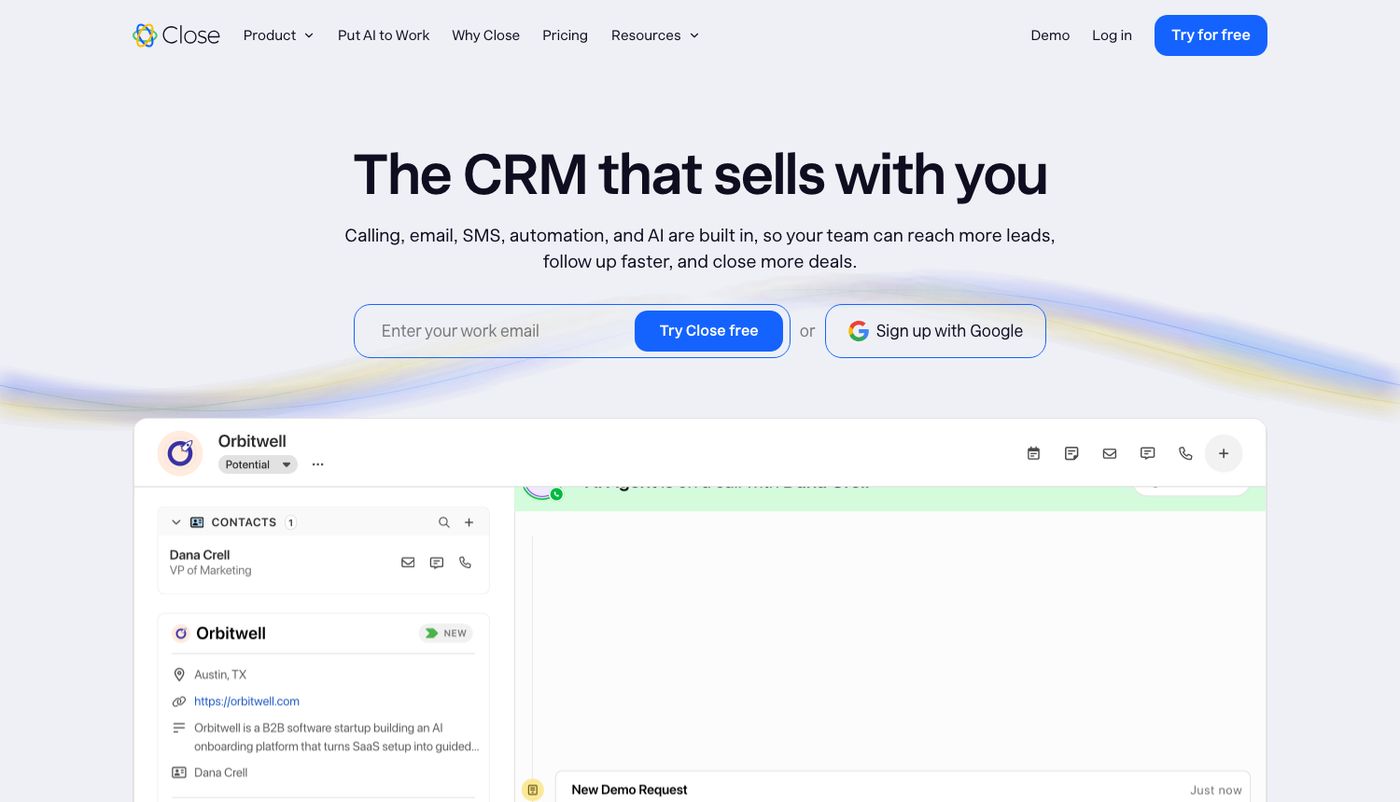
Tool Review → Close
Close is a CRM with calling, email and SMS built in, so the call and the deal sit in the same place. Solo is $9 a month billed annually, or $19 monthly, for one user. Essentials is $35 per user a month billed annually, or $49 monthly.
A small sales team could stop paying for a separate dialer. The catch: call usage is billed on top, about $0.02 a minute by Close's own figure, and Call Assistant, the add-on that transcribes and summarizes calls, is listed at $50 a month plus $0.02 per recorded minute.
Worth it if your reps spend their day on the phone. Skip it if you rarely call from your CRM.
Tool Hack: make Close write the first half of the deal room
Open a Playbook, or create one, and scroll to Summary guidance. These are instructions you write for Close's AI.
Paste this: "List the buyer's top three problems in their own words. Then objections raised. Then next steps with owners and dates. Leave out small talk and scheduling."
Save it and use that Playbook on first calls. Close writes a summary after every call and puts it on the call record.
Paste the summary into today's prompt with your assets, then check it against what the buyer really said.
Close's help pages don't say which plans include Playbooks, so check during the trial.
That's Wednesday. What did your last buyer get after the first call?