 AI-Ready GTM

Run Vercel's lead agent recipe by hand, no engineer needed
Vercel turned its best SDR's browser tabs into an agent. Run the same recipe by hand, with an answer key.
Happy Thursday.
Someone fills in your website form, and before anyone can reply, the same tabs open: LinkedIn, the company website, the CRM. Nobody took this job for that. Vercel's top performer called the research "mind-numbing," so Vercel built an agent for it. Today's cheat code is the same recipe, run by hand.
The cheat code: qualify form fills like Vercel
What it is. Each lead gets three things from AI: quick research, a category and a draft reply. A person reads all of it and decides what goes out.
How Vercel does it. SaaStr wrote up the build as told by Vercel's COO, Jeanne DeWitt Grosser. An engineer sat with Vercel's best SDR for days, "watching every single tab she opened," and turned each tab into a step. Then, for six weeks, she reviewed every output and fed corrections back in. Vercel's published flow ends with a person approving the draft in Slack.
The steps
Watch your best person. Ask whoever qualifies leads best to do five out loud. Write down every tab they open and what makes them say yes or no. Those are your rules.
Pull 20 old form fills. Use last month's, so you already know how each one turned out. That's the odd part of this recipe: it gives you an answer key. Export name, company, title and what they wrote.
Run the prompt below in Claude or ChatGPT, with web search on. The categories come from Vercel's template, and NOT_A_FIT is my addition.
Grade it. Compare each answer with what really happened. Where it's wrong, fix your rules and run it again. Vercel took six weeks on this part, so don't expect to finish today. One round is today's job.
Then run it on new form fills. Read every reply before it goes out.
Tools and cost. Claude's free plan can search the web, with limited usage; Pro is $20 a month billed monthly. ChatGPT works too. Check first that your company allows lead data in these tools. When you want it automatic, Vercel's lead agent code is free to use, but it's a developer job and you pay for the AI and search it calls.
What to expect. Vercel's own numbers: 10 people down to about 1.25, about $5,000 a year to run, and 20% of one engineer to maintain it. Vercel says the others moved to more complex sales work. It also has a reason to like this story: it sells the hosting these agents run on. I found no published numbers for the by-hand version, so make your own: how often it matches your best person, and minutes per lead.
Steal this
You qualify inbound leads for [COMPANY], which sells [WHAT] to [WHO]. My rules: [RULES]. For each lead below: 1. Search the web and give two facts about the person or company, with the page. 2. Pick one category: QUALIFIED, FOLLOW_UP, SUPPORT or NOT_A_FIT, and give one sentence of reasoning. 3. For QUALIFIED and FOLLOW_UP, draft a three-sentence reply to what they wrote. If you can't find a fact, say so. Never guess. Leads: [PASTE]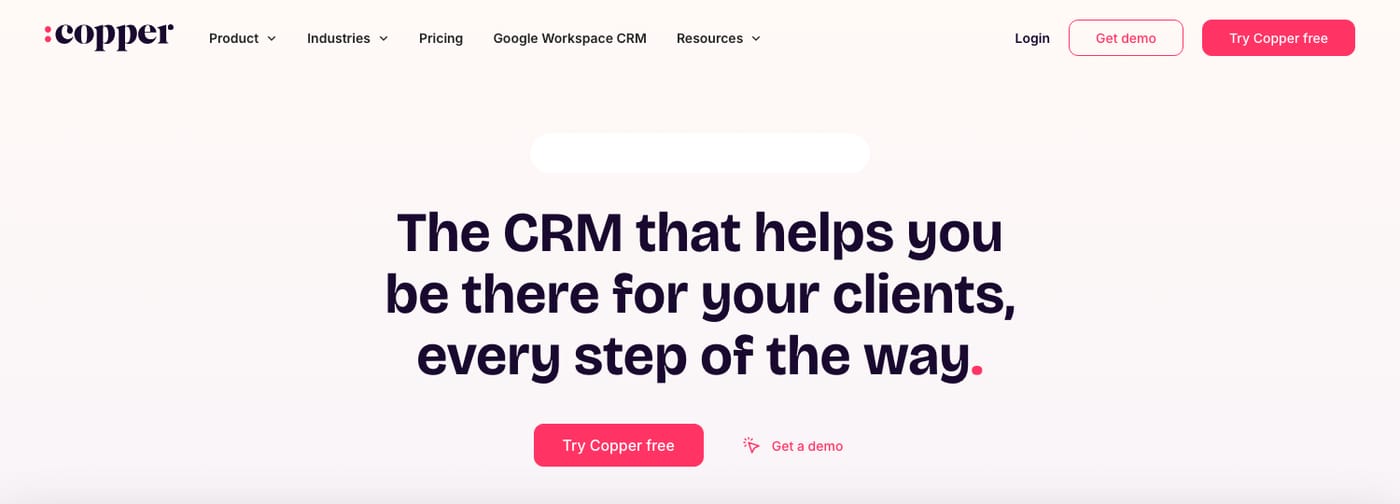
Tool Review → Copper
Copper is a CRM built around Gmail and Google Workspace, so you can add people and deals from your inbox. Basic is $23 per seat a month billed annually, or $29 monthly, for up to 2,500 contacts. Professional is $59 billed annually, or $69 monthly, for 15,000 contacts and workflow automation.
A small team could send website form fills straight into its CRM with an owner already attached. The catch: Copper's help pages disagree on whether Basic can make forms that create leads, so plan on Professional. And a lead can't be tied to a pipeline until you convert it.
Worth it if your team lives in Gmail. Skip it if you don't use Google Workspace.
Tool Hack: make every form fill arrive with a job attached
Open Copper's forms builder and choose "Create or update Leads."
On the Workflow tab, set a Lead Source just for this form, such as "Website demo form." Copper recommends a custom one, and it lets you count where your leads came from.
Pick the Owner. That person gets notified, depending on their settings.
Add a Create Task action called "Run the qualify prompt," due the day of submission.
Embed the form on your site. Now each lead lands with today's recipe waiting for it.
Only admins and account owners can build forms, and each form can create only one task.
That's Thursday. How long does a form fill wait on your team?